What’s New
New features, improvements and fixes in Diobox, as they ship.
This version includes updated UI changes and requires devices running iOS 16 or later. A new Event Cloning option has been added, allowing events to be duplicated with or without guests.
iOS App
Custom question responses in registration forms are now easier to browse across multiple pages. Visual charts reflecting question results have also been improved for data representation.
Improvement
Several updates have been made to enhance usability and visual consistency throughout the platform: Email Builder: Attachment file names and icons are now displayed in the email preview. Guest Portal: Editing is now optimized for all screen…
Improvement
Several issues in the Email Builder have been resolved, including errors that occurred when saving emails with blank titles and a problem that prevented file attachments in certain cases.
Fix
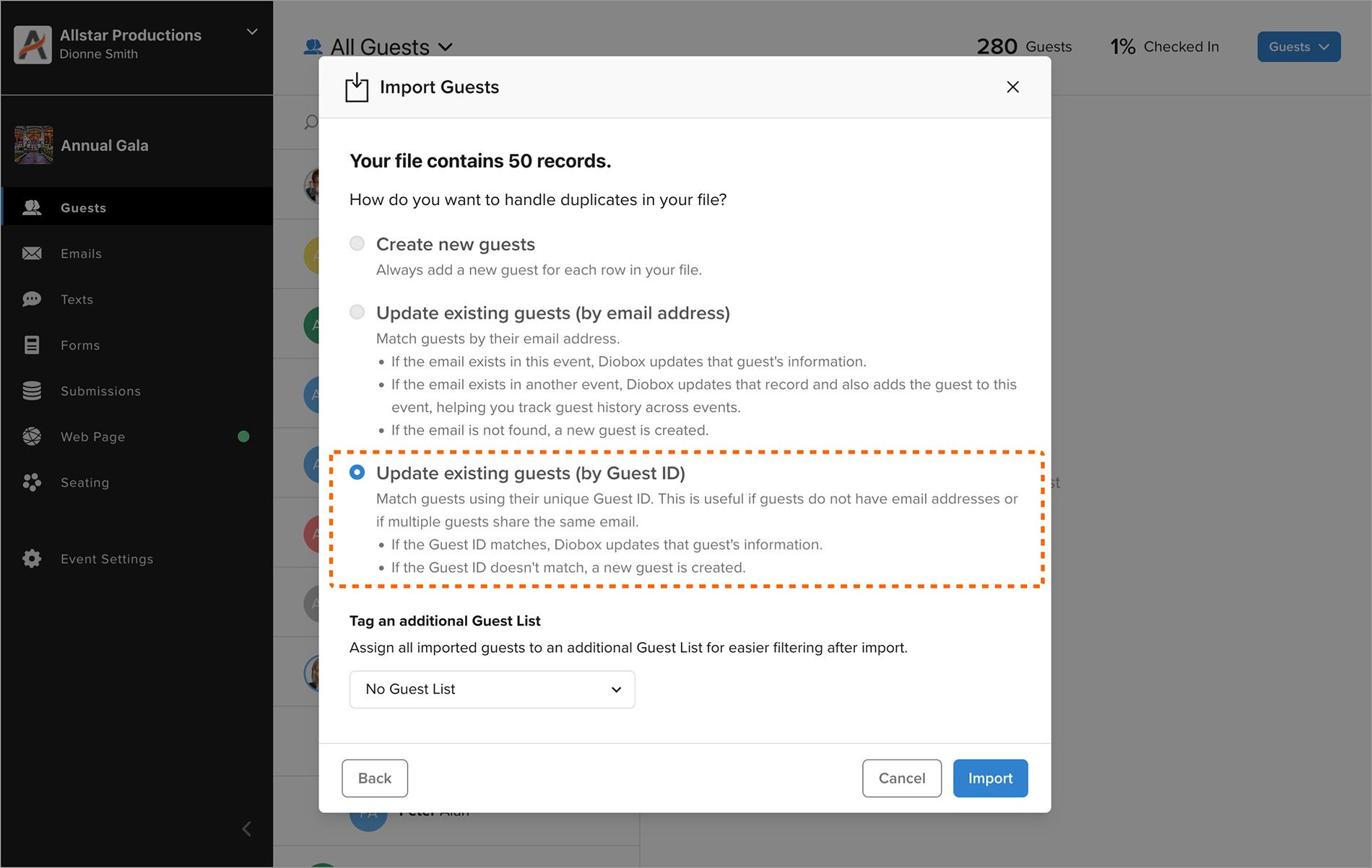
A new import option allows you to reliably manage duplicate guests using their unique Diobox Guest ID instead of email addresses. This ensures accurate matching for all guests, even when email addresses are missing or shared. For more…
New Feature
Automated email responders now display more consistently across email programs, with significant improvements for Outlook in Office 365 on Windows where layout issues previously occurred.
Fix
Several issues related to registration form submissions have been resolved. Apple Pay has also been fixed to ensure ticket payments work reliably in all cases.
Fix
The Guest Portal builder now includes new customization options for section visibility, such as the ability to display only a single event image by hiding all other header text and sections. Images have also been optimized for faster load…
Improvement
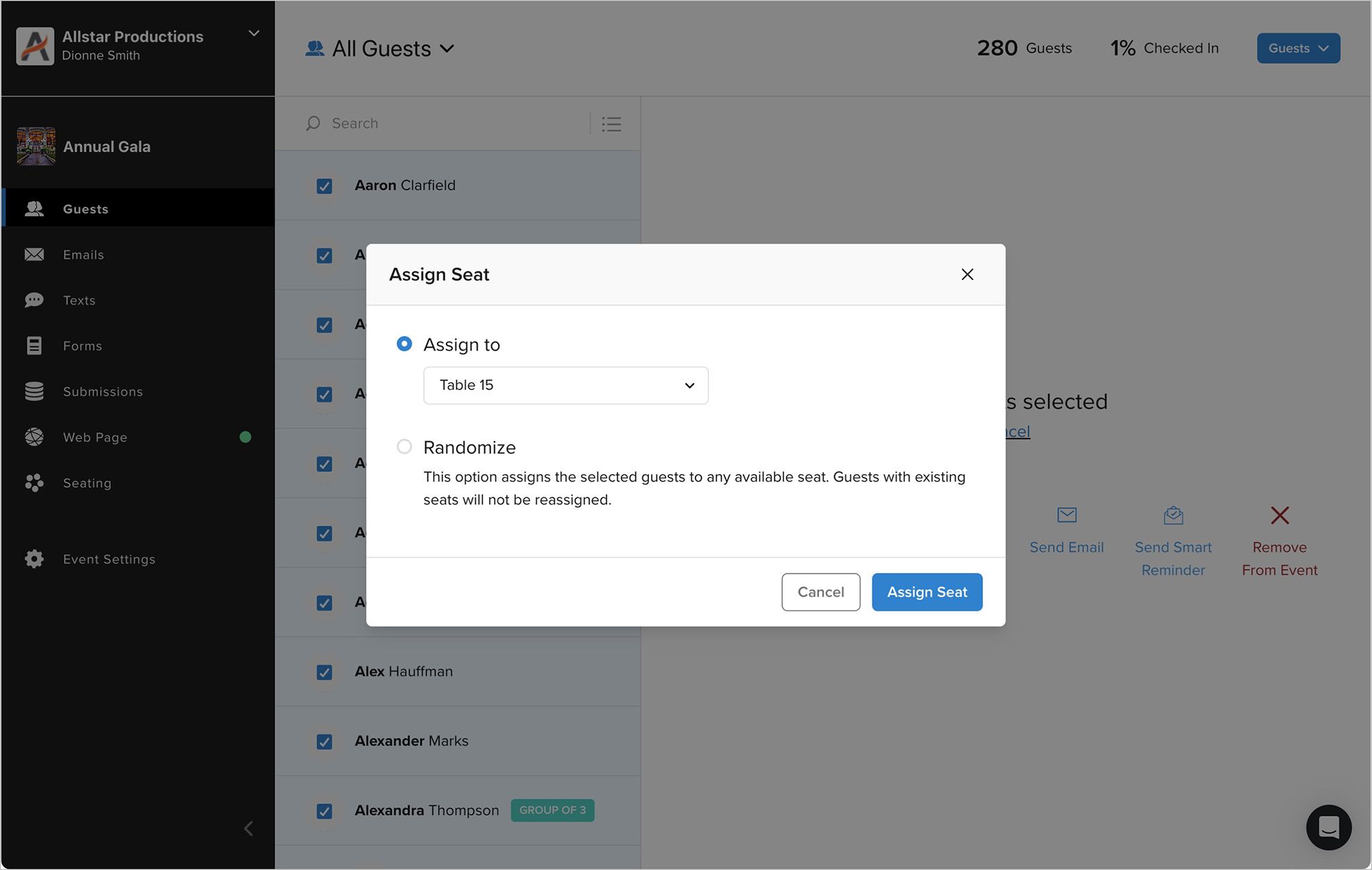
A new bulk Assign Seat option is available when multiple guests are selected. This feature assigns guests to a table and, if capacity is exceeded, automatically places the extra guests on that table’s waiting list. Additionally, a Randomize…
New Feature
Multiple fixes and enhancements have been made to the Guest Portal to improve usability. A key update includes optimized image handling, ensuring that forms with images load faster and display more professionally.
Improvement
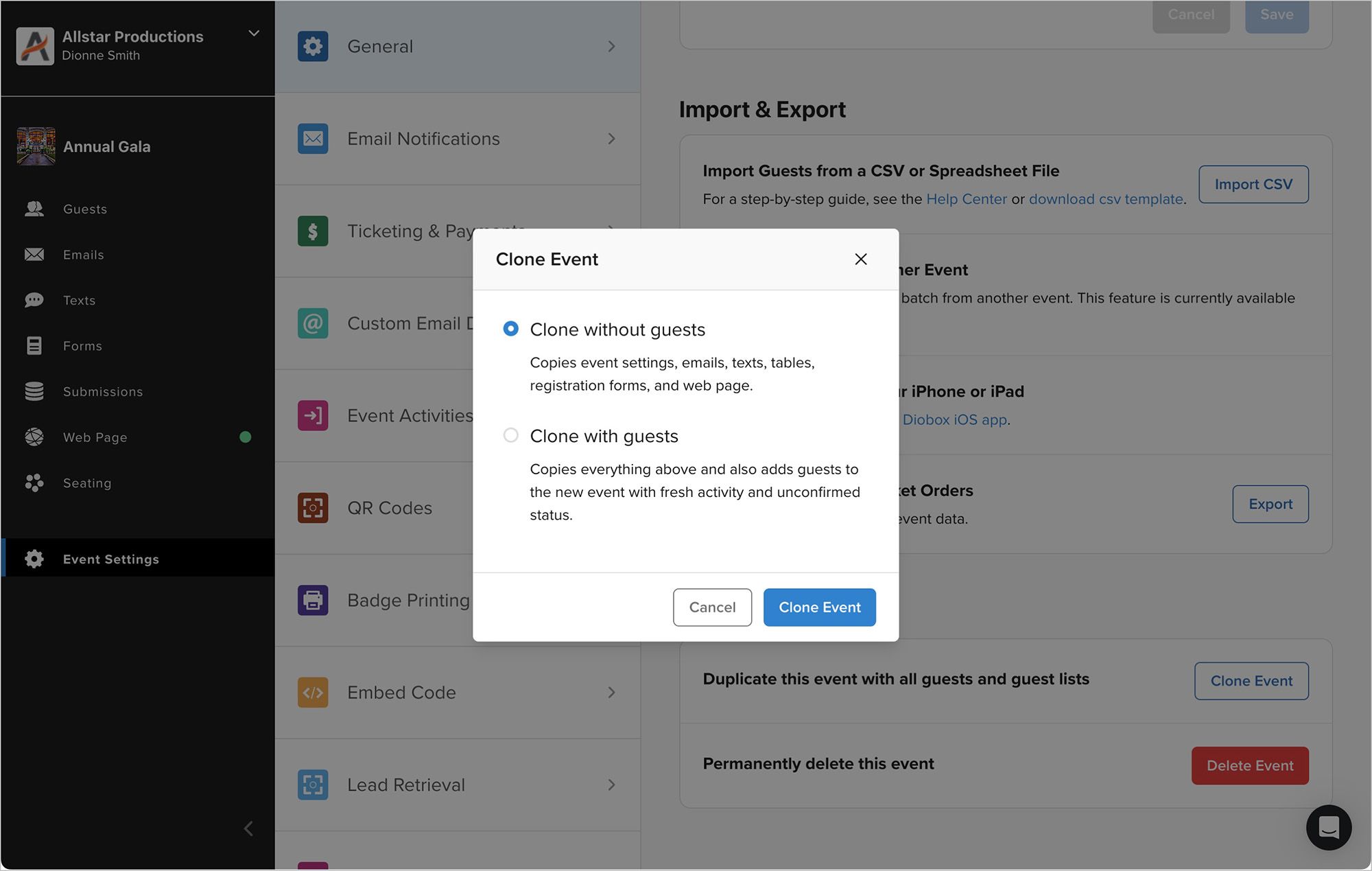
The Clone Event feature now supports cloning email templates and lets you choose whether to include guests. This makes it faster to recreate events with the same settings, attributes, and registration forms, while keeping guest lists…
New Feature
Users can now set font and background colors directly in text blocks. This provides greater control over styling and ensures proper display when creating invitations with custom or dark backgrounds.
Improvement