What’s new
New features, improvements and fixes in Diobox, as they ship.
New features, improvements and fixes in Diobox, as they ship.
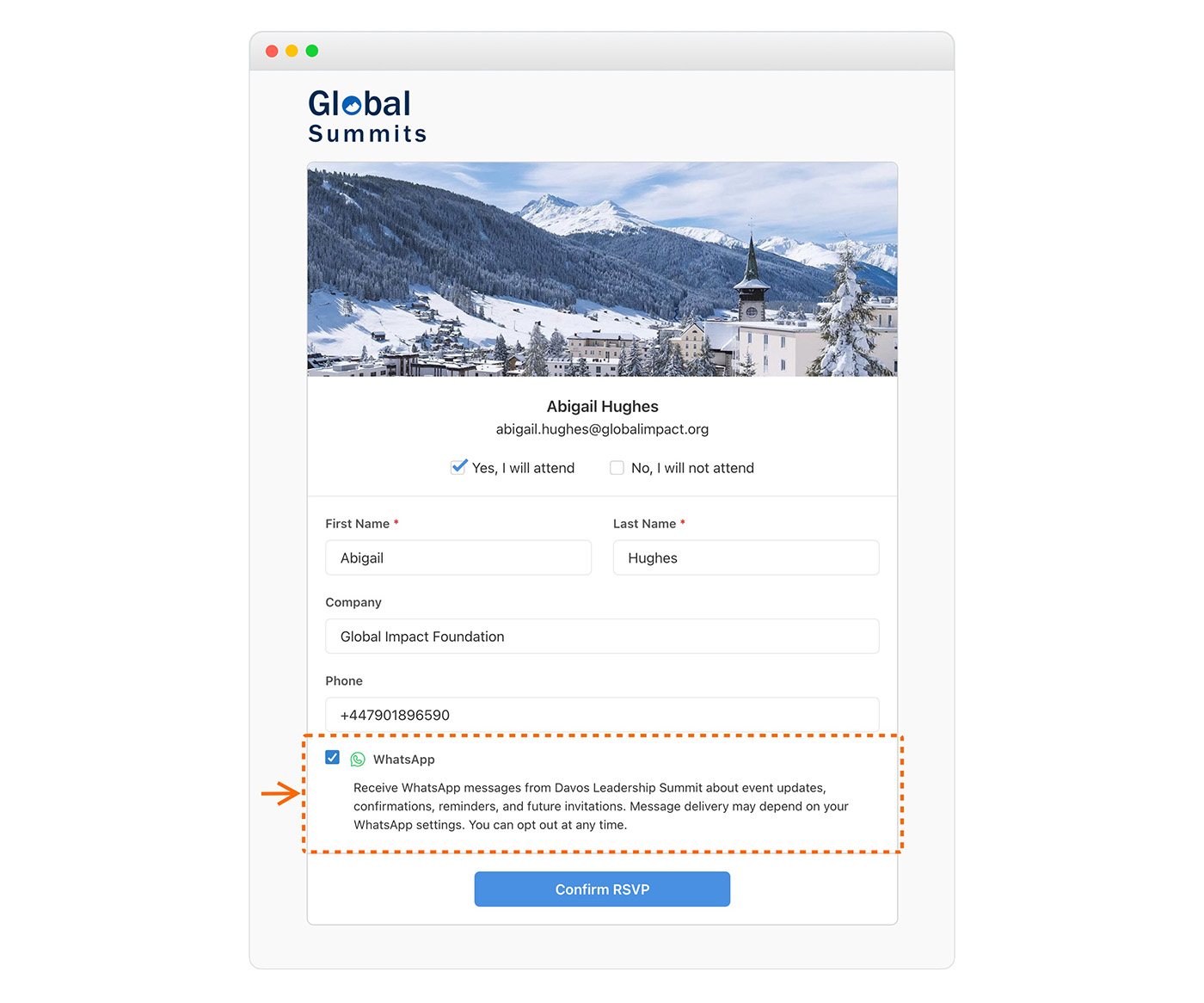
Guests can now opt in to WhatsApp directly through existing registration forms. Simply enable the “WhatsApp Opt-In” field on your form to collect consent alongside guest phone numbers, allowing messages to be sent without requiring a…
Improvement
Several improvements have been made to the WhatsApp messaging experience to improve usability and message handling. Increased text limits for custom message fields Multiple UI improvements across WhatsApp messaging Better error handling…
Improvement
Improves Kiosk Mode with larger branding, easier-to-read controls, and more readable on-screen text for a better self-service experience.
iOS App, Improvement
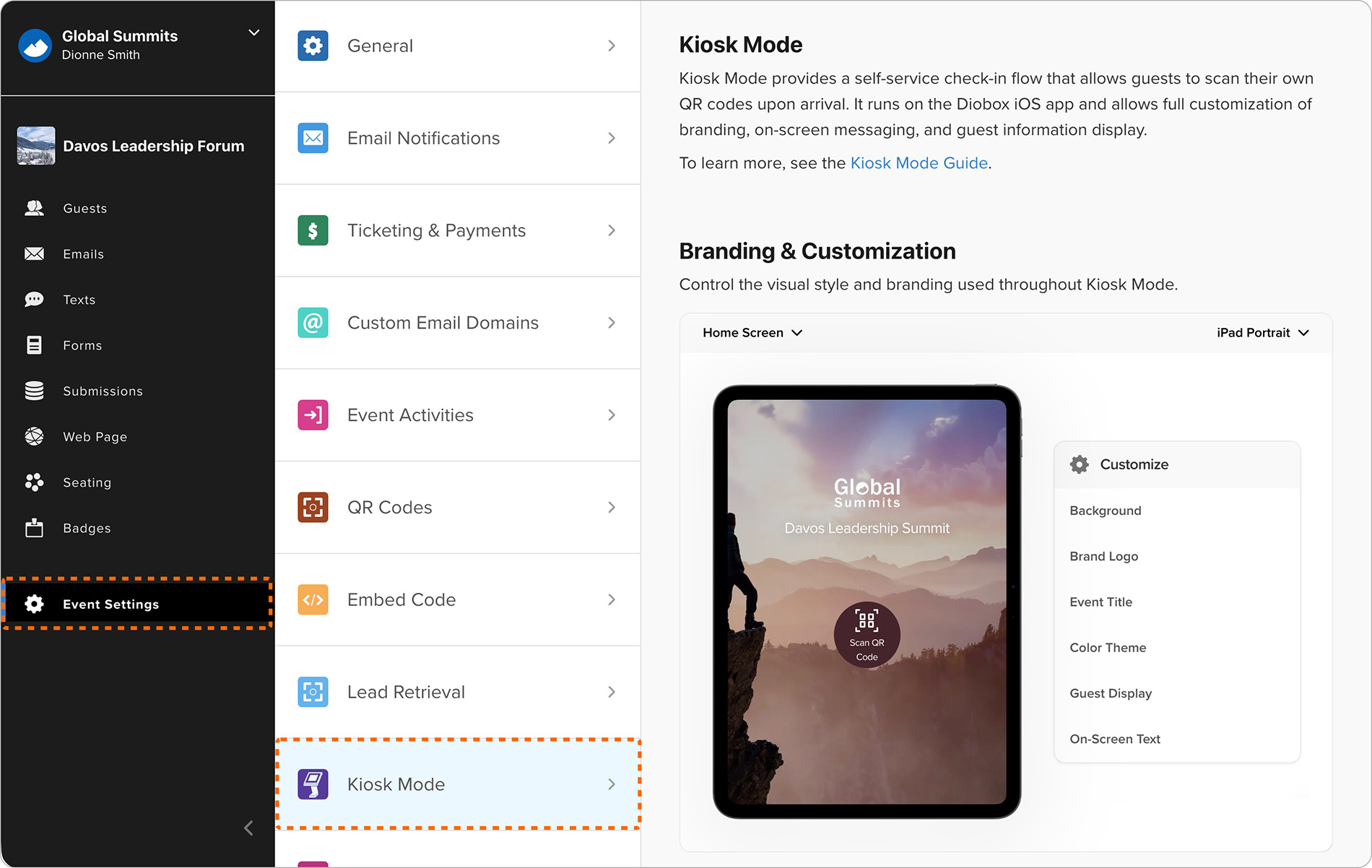
Kiosk mode settings now include a redesigned visual editor that allows customization of background, title, logo, and color scheme with real-time previews across different device types.
Improvement
Form videos now support unlisted Vimeo links, enabling video embeds on registration forms with different privacy settings. Learn more: https://help.d.io/en/articles/11182875
Improvement
Added support for Avery Medium Format pre-perforated badges (2.25” x 3.5”), bringing total compatibility to over two dozen Avery templates for flexible desktop and PDF badge printing. Badge printing has also been improved with enhanced…
Improvement
A “Public Event Title” field is available, allowing an alternate title to be used in public-facing areas such as registration forms and email confirmations. Changing the public title does not affect the internal event name used in Diobox.
Improvement
Many improvements were made to the recently launched Website Builder to streamline page editing and content formatting: All Web Page menu options are now fully visible, making it easier to access and repeatedly use common actions, such as…
Improvement
The Badge Builder now includes a snap-to-grid feature, making it easier to precisely align text, images, shapes, and QR codes when designing badges. This helps create cleaner layouts with improved placement accuracy.
Improvement
Badge Builder now supports three new merge fields: Form Name, Ticket Name, and Guest List. These fields can be added to any badge template and are generated dynamically for guests in both the web app and the iOS app, enabling more flexible…
Improvement
Adds new badge printing templates, providing more starting points for creating and customizing designed badges for your event.
Improvement
Improves support for multitasking on iPadOS General improvements and bug fixes
iOS App, Improvement