What’s new
New features, improvements and fixes in Diobox, as they ship.
New features, improvements and fixes in Diobox, as they ship.
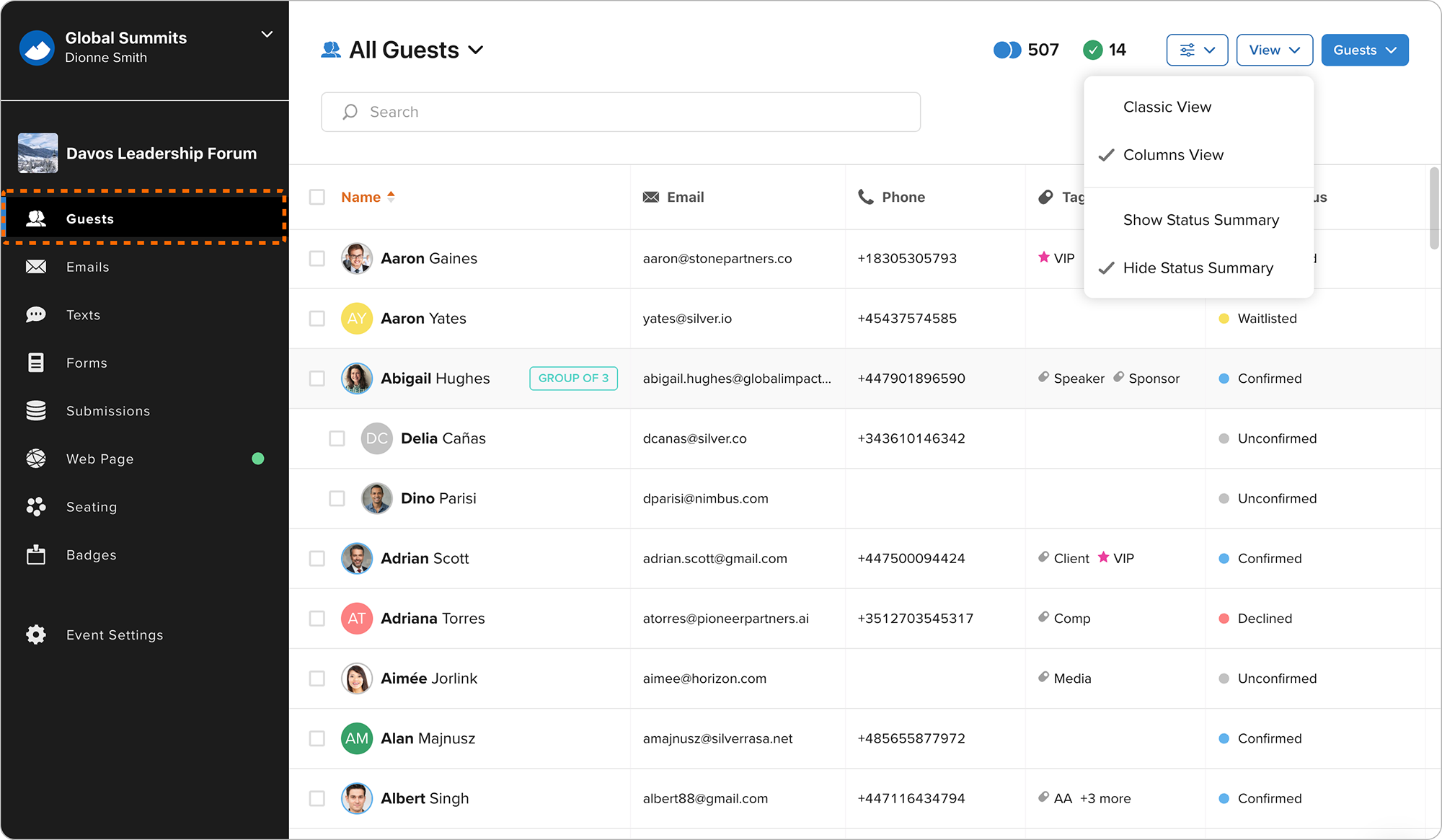
The Guests section has been redesigned with a new Columns View, allowing you to browse guests in a spreadsheet-style layout. You can sort data, show or hide columns, and resize them to match your workflow. A new Status Summary also provides…
New Feature

The Event Web Page brings together your Hero section, registration forms, speakers, agenda, custom content blocks, vanity URL, publishing controls, and built in analytics in one place. Design your page, preview it in draft mode, and publish…
New Feature
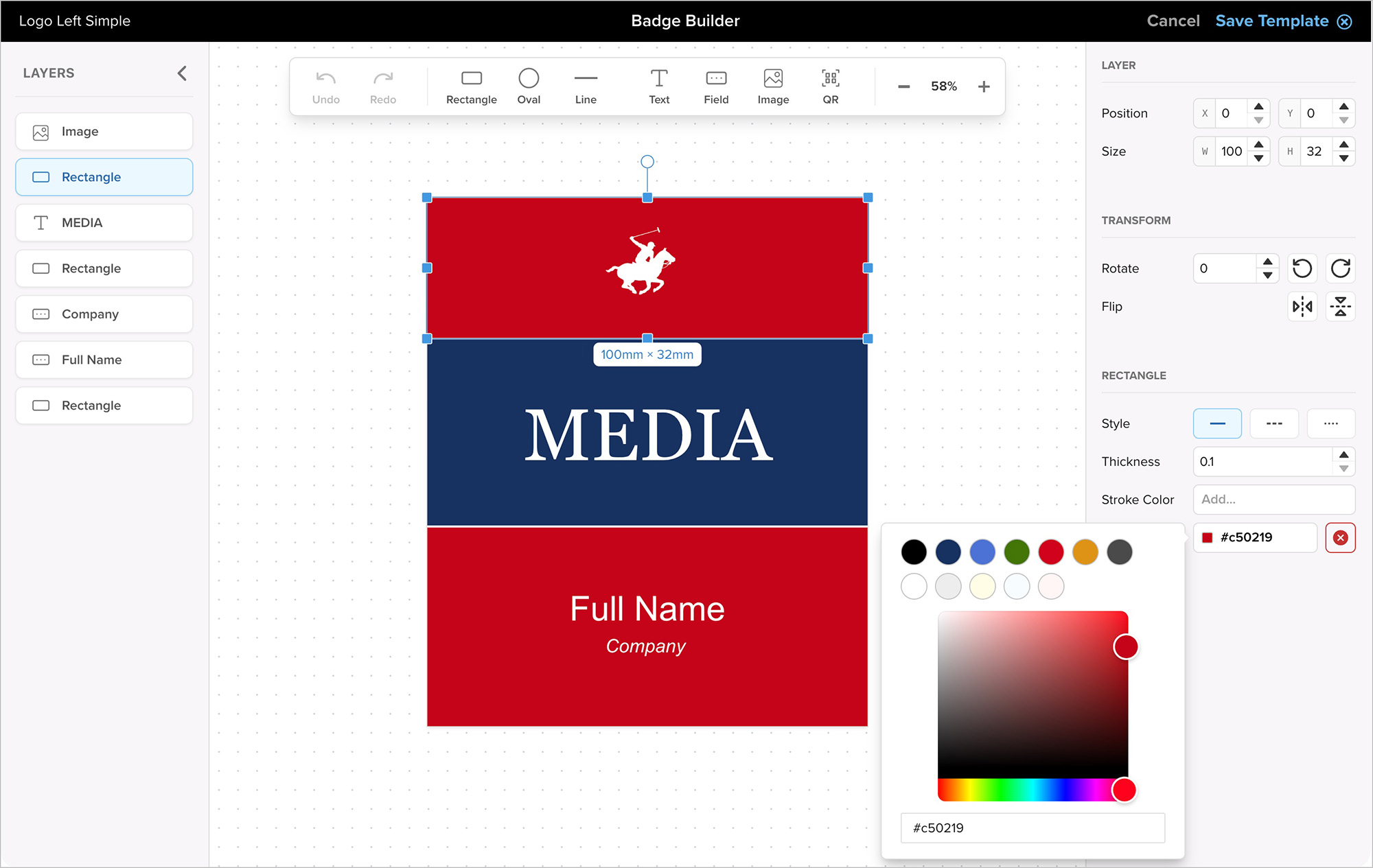
Diobox Badge Printing now supports generating and downloading badges directly from the web app. You can create badges for a single guest or multiple guests on demand. This update allows fully custom badge sizes and color options without…
New Feature
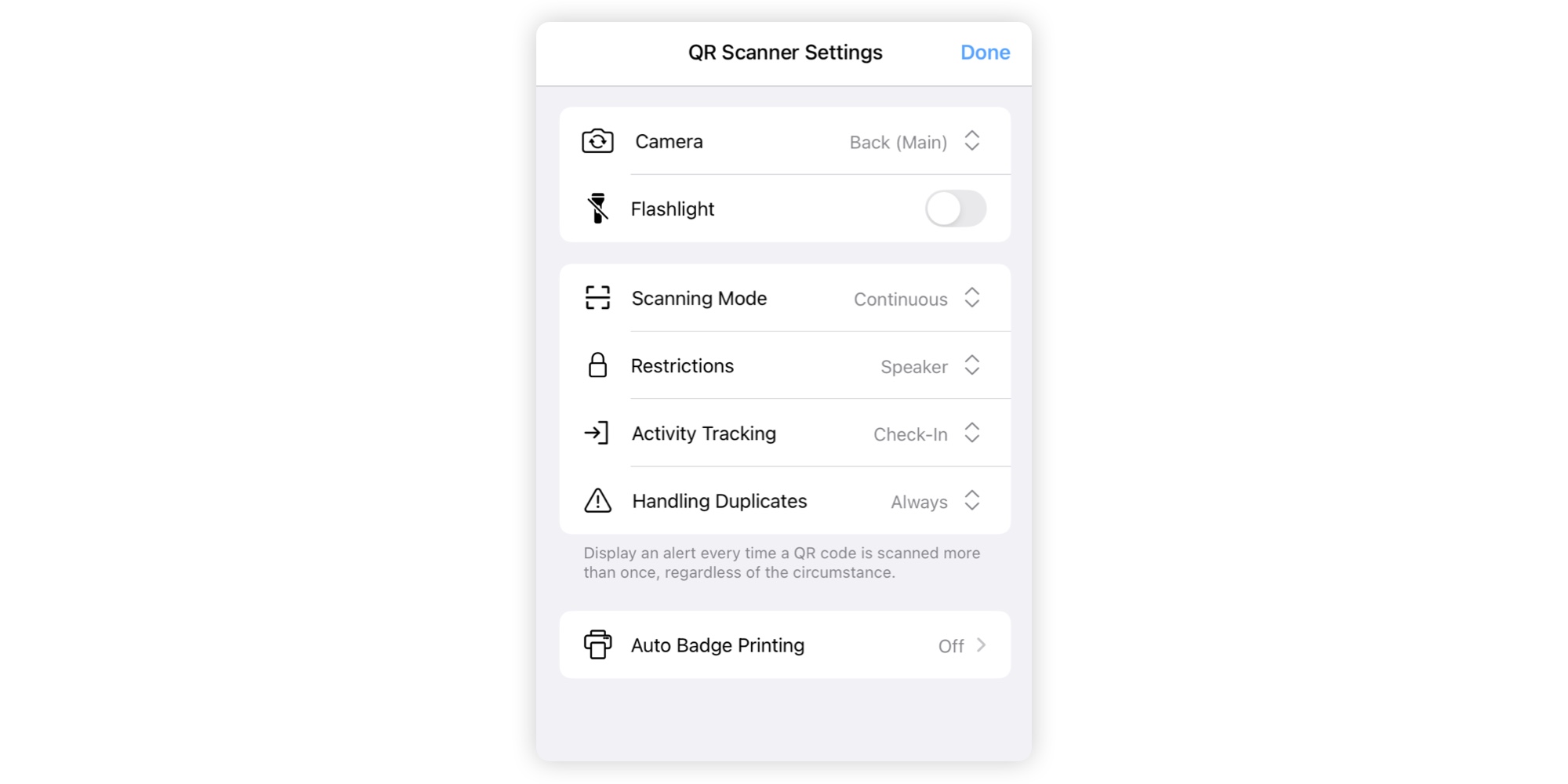
The QR Scanner setup has been redesigned with a modern, streamlined settings page. All related configurations are now consolidated in one place, making it easier to manage and adjust your scanning setup.
iOS App, New Feature

We’re excited to announce the release of the all-new Diobox Badge Printing system, a complete redesign that makes creating and printing professional, branded event badges easier than ever. Whether you are preparing hundreds of badges before…
Announcement, New Feature

A new import option allows you to reliably manage duplicate guests using their unique Diobox Guest ID instead of email addresses. This ensures accurate matching for all guests, even when email addresses are missing or shared. For more…
New Feature

A new bulk Assign Seat option is available when multiple guests are selected. This feature assigns guests to a table and, if capacity is exceeded, automatically places the extra guests on that table’s waiting list. Additionally, a Randomize…
New Feature
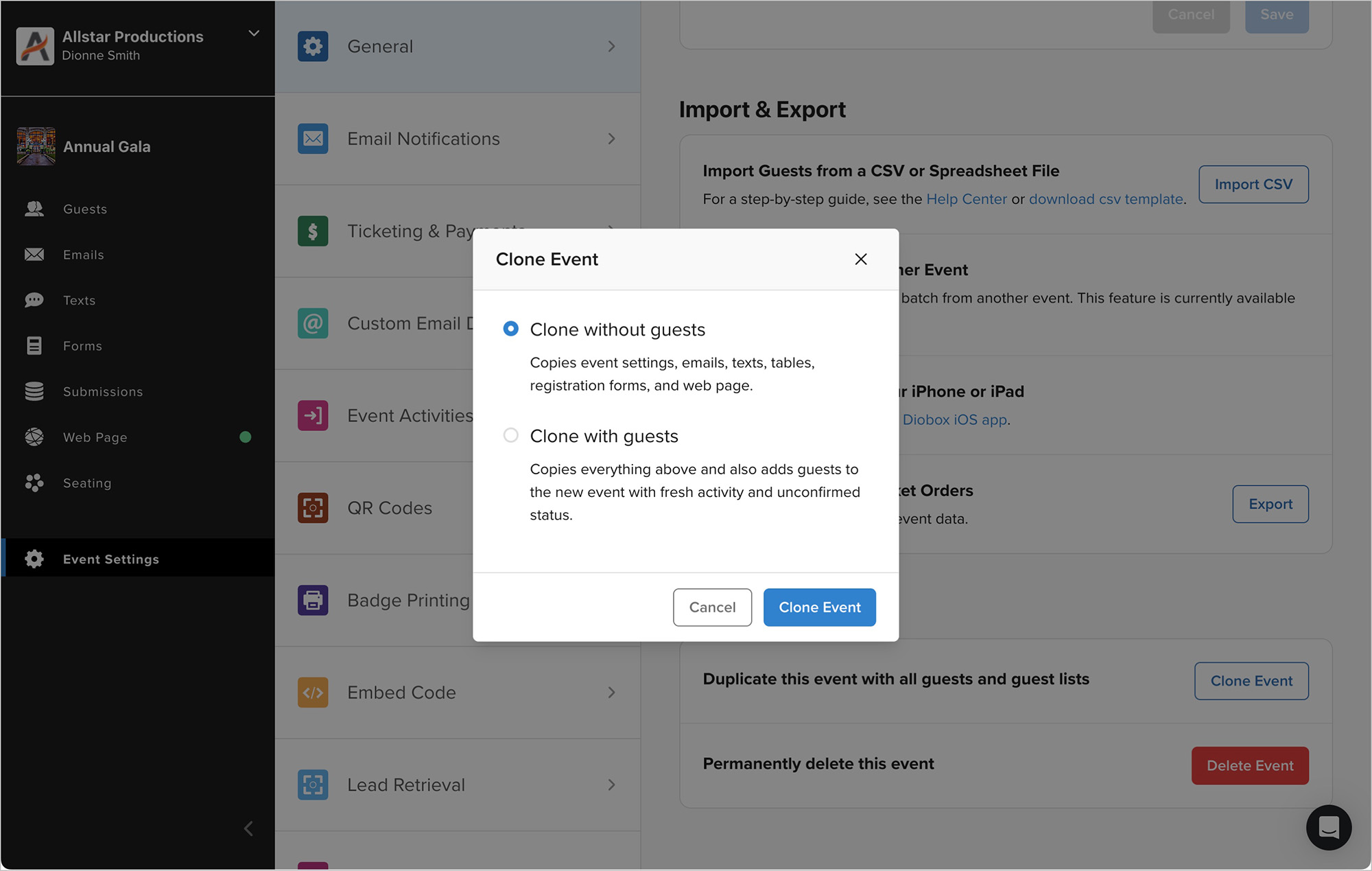
The Clone Event feature now supports cloning email templates and lets you choose whether to include guests. This makes it faster to recreate events with the same settings, attributes, and registration forms, while keeping guest lists…
New Feature
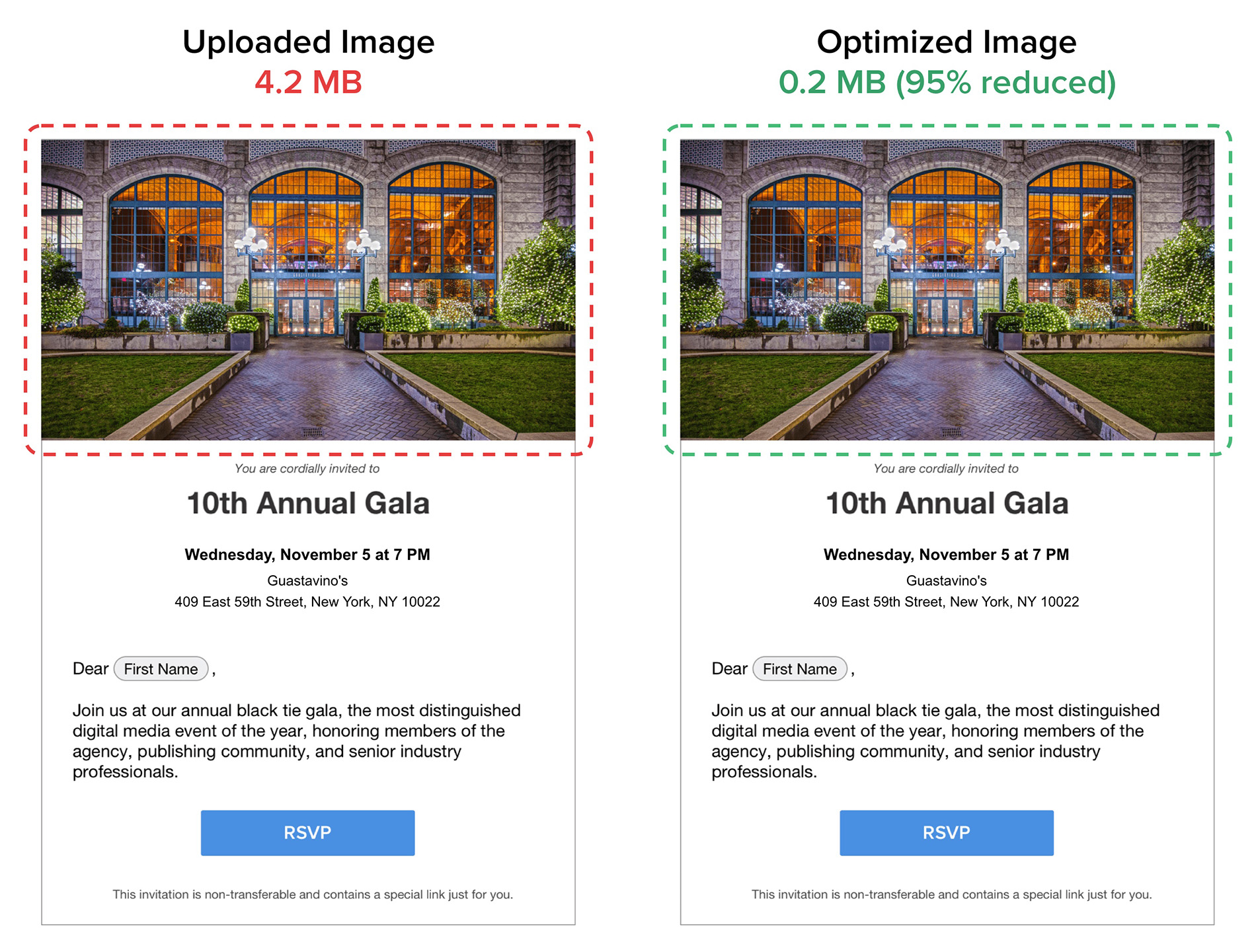
Uploaded images are now automatically optimized to ensure faster load times, smaller email sizes, and consistent quality across devices. The optimization happens instantly on upload, so even the preview in the editor reflects the optimized…
New Feature
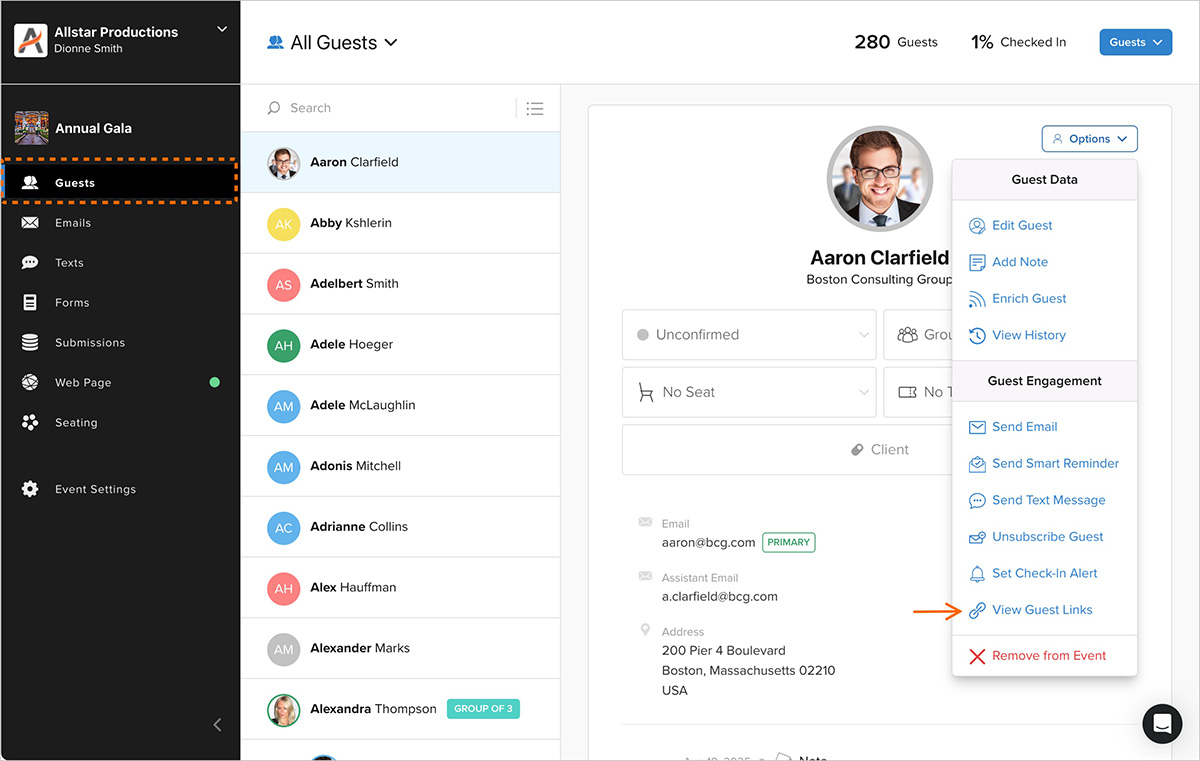
The guest profile now includes a Guest Links option, displaying all public Guest Portals along with guest-specific RSVP and survey links. These links can be shared directly with the guest or used on their behalf to take actions such as…
New Feature

A new editor is now available for the Guest Portal, providing a simplified way to manage customization options. On the Forms page, a new Style & Configuration section has been added, giving access to all customization features. By default…
New Feature

The QR Scanner now features a completely revamped UI with a split-screen layout. Recent scans are displayed alongside the scanner, allowing check-in staff to monitor activity without leaving the scanning mode. Each scan includes detailed…
iOS App, New Feature